Language Profiles
A language profile is a named set of source/target languages and translation preferences. It lets you say, for example: "for anime, translate embedded Japanese subs to pt-BR and en, extracting embedded tracks when no external subtitle exists".
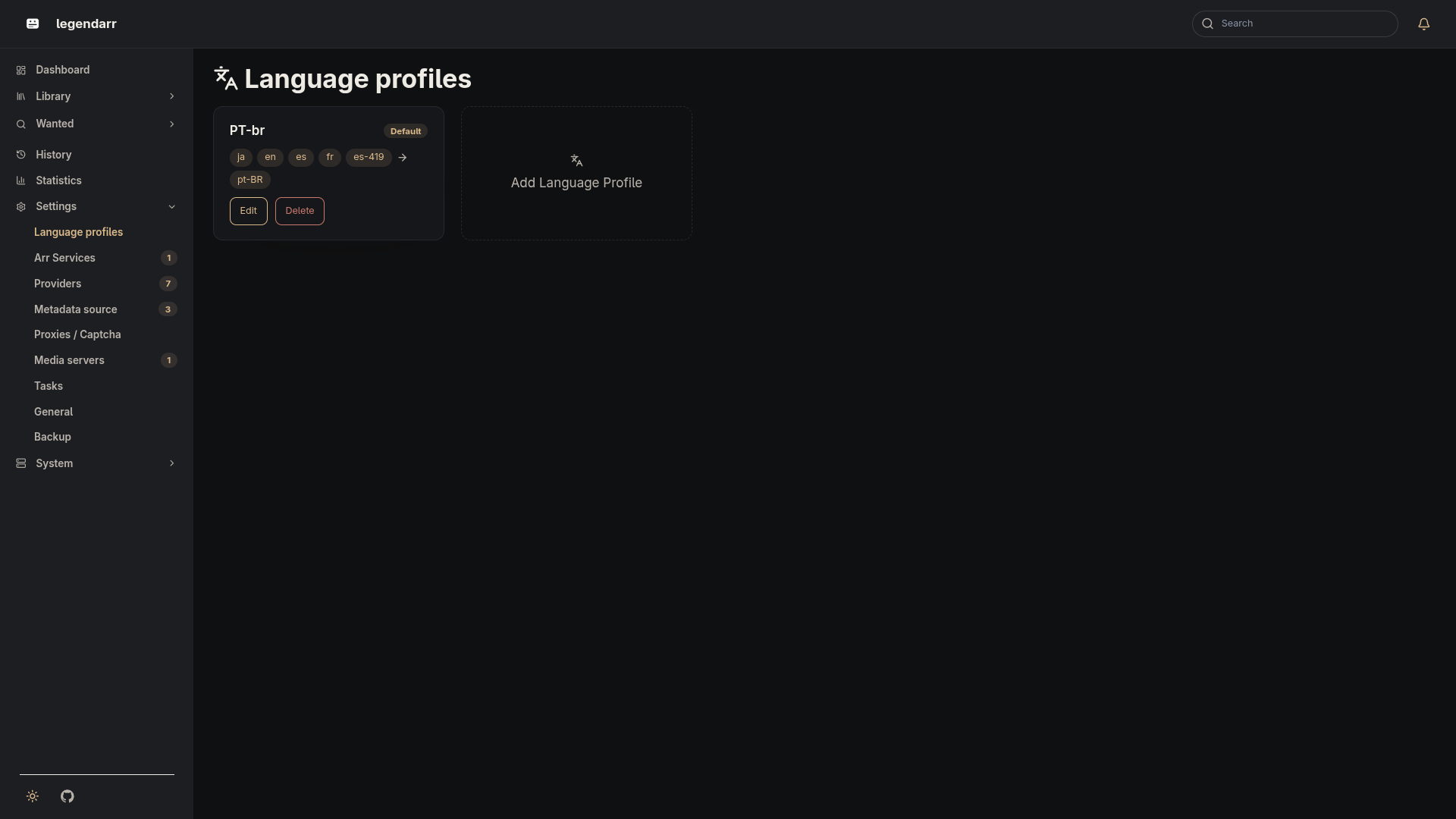
Fields
| Field | Description |
|---|---|
name | Unique name for the profile. |
source_languages | Language(s) legendarr should look for as the source subtitle. |
target_languages | Comma-separated list of languages to translate into. |
extract_embedded_subtitles | Whether to extract embedded subtitle tracks — per language, not per file: a track is only extracted if its language doesn't already have an external subtitle. Defaults to true. |
forced | Whether this profile only wants forced subtitles. Defaults to false. |
hearing_impaired | Whether this profile only wants hearing-impaired (HI) subtitles. Defaults to false. |
is_default | Whether this is the profile applied when a movie or series has no override. Defaults to false. |
movie_match_score / series_match_score | Minimum match quality (0-100) a subtitle search candidate must score to be automatically accepted, set separately for movies and series since the same profile can be assigned to either. Defaults to 40. |
Managing profiles
Profiles are created, edited, and deleted at /settings/ in the web dashboard. They're stored in the LanguageProfile table in the shared SQLite database (see src/backend/src/legendarr_backend/language_profiles/models.py).
Per-item override
Movie and Series (src/backend/src/legendarr_backend/media_library/models.py) carry an optional language_profile_id so a specific item can be pinned to a profile other than the default one. There's no UI to set this yet — it requires the movies/series listing API that media_library doesn't have yet.