Subtitle Timing Sync
Any subtitle already on disk — discovered externally, extracted from an embedded track, or produced by translation — can drift out of sync with the video's audio. sync_subtitle_timing() re-aligns one subtitle's cues against the video, via ffsubsync.
Two sync modes
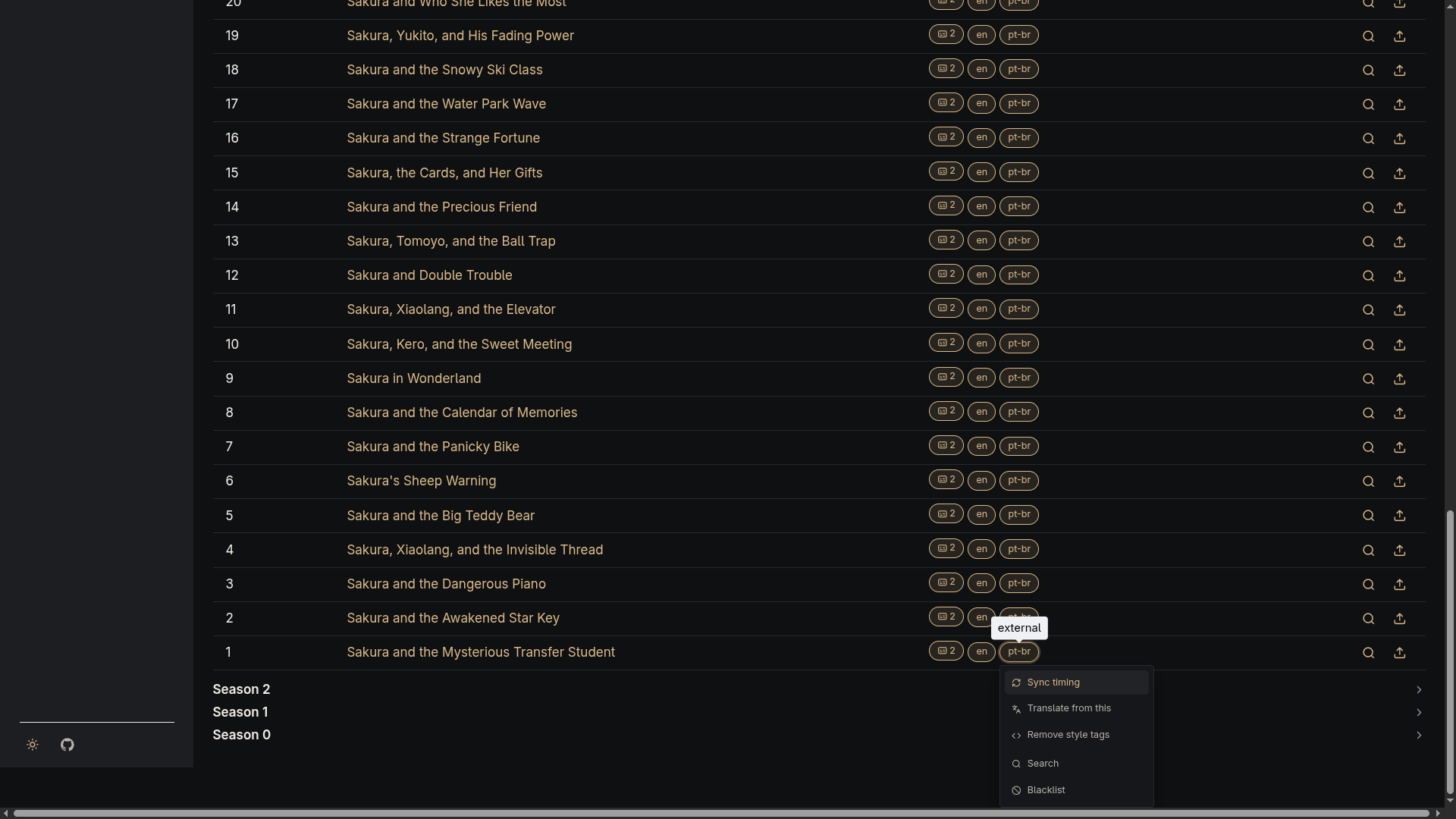
ffsubsync accepts either a video (it decodes the audio track) or another already-correctly- timed subtitle file as its reference — sync_subtitle_timing() is agnostic to which, and just forwards whatever reference_path it's given. Clicking a subtitle's "Sync timing" action opens a dialog with both options: sync against the video's audio (the only mode before this), or pick another subtitle already on the same file to sync against instead.
Manual, per-subtitle trigger
Unlike translation, this isn't run automatically as part of any pipeline. Each subtitle row in a movie/series detail page gets its own "Sync timing" action, which enqueues a one-off job for that single Subtitle once a mode is picked from the dialog. There's no bulk fan-out and no scheduled interval — the same manual-only posture translation had before unattended scheduling (0.10.0) existed.
Overwrite behavior
ffsubsync writes to a temporary sibling file first, and the target .srt is only replaced once it exits successfully — a killed or timed-out run never leaves a partial file behind. The overwrite is always in place: there's no backup of the pre-sync file, and no way to undo a sync from the UI.
A missing ffsubsync/ffmpeg binary, a non-zero exit, or a timeout are all treated as an expected "couldn't sync this one" outcome — logged and reported back to the UI as a failure, not raised as an error.