Quick Start
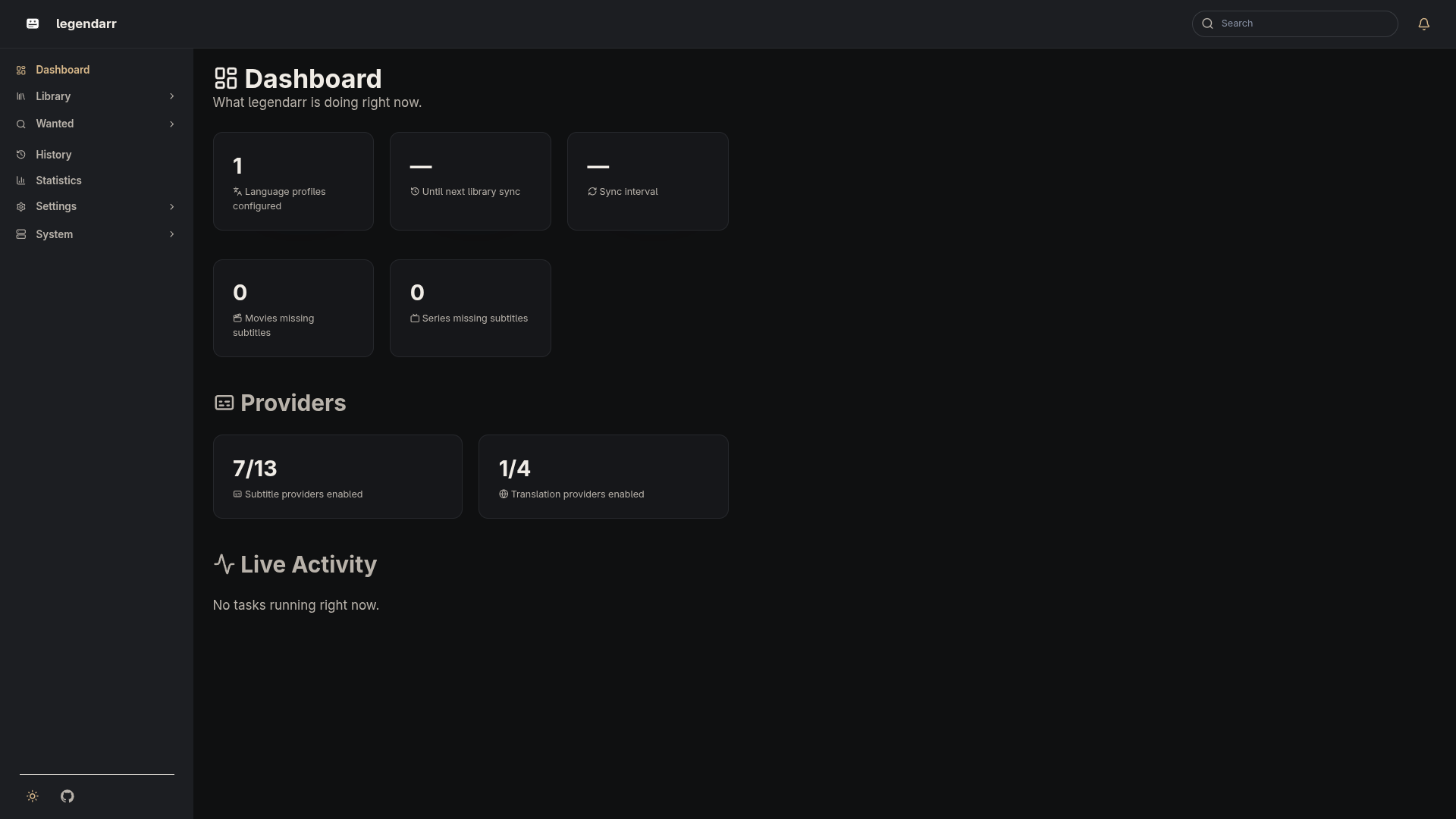
-
Set your Radarr/Sonarr connection details. Copy
.env.exampleto.envand fill in the URLs and API keys: -
Start legendarr (see Installation for Docker or source options).
-
Open the dashboard at
http://localhost:8000. It shows how many language profiles are configured (auto-refreshing every 15 seconds), and links to:/media/moviesand/media/series— the media library synced from Radarr and Sonarr/settings/— configured language profiles
-
Create a language profile to tell legendarr which languages to translate to for which content, and whether to extract embedded subtitle tracks. See Language Profiles.
-
legendarr's background scheduler syncs the media library from Radarr and Sonarr every
LEGENDARR_SYNC_INTERVAL_MINUTESminutes automatically — no manual trigger needed.